
How to update the email in your Woof accountUpdated an hour ago
How to update the email in your Woof account
Almost everyone has more than one email these days, so it's important to be able to update whenever life changes! Please find the steps below to update the email associated with your Woof account:
1. Log into your Woof account here
2. Click "Subscriptions"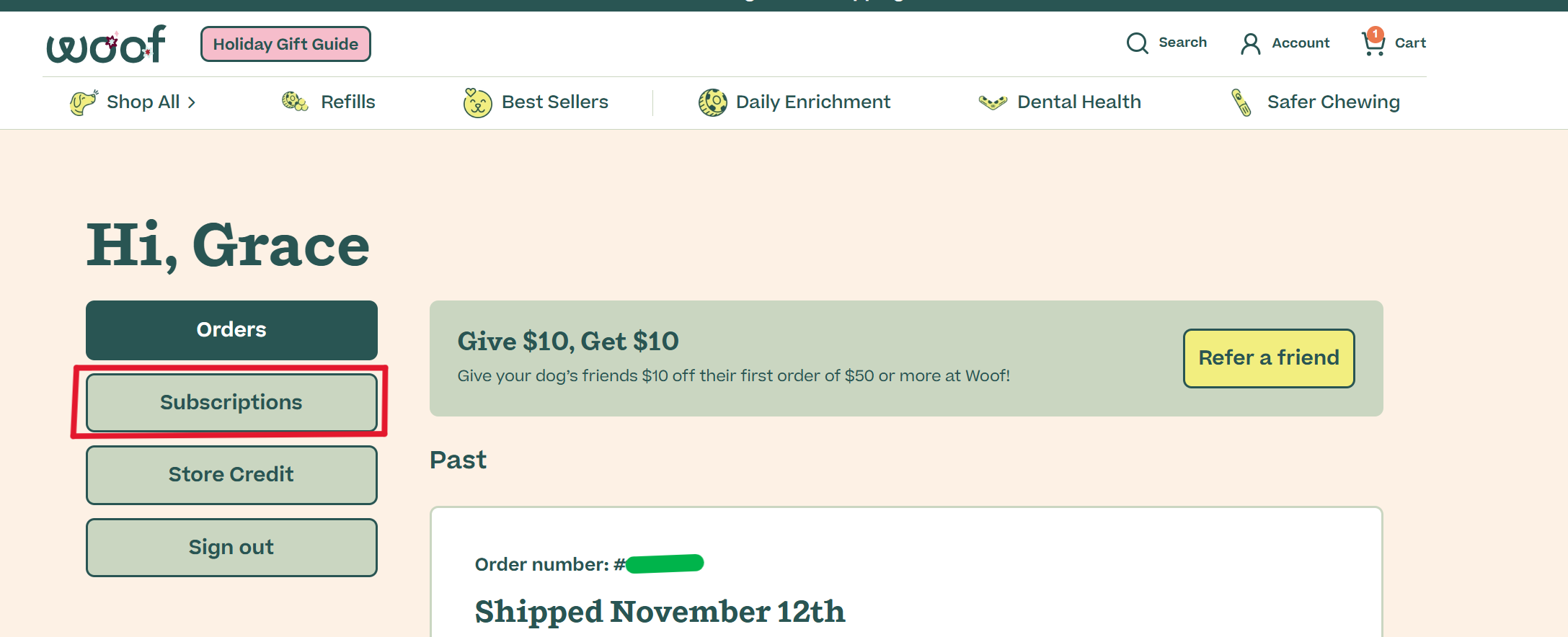
3. Click "Account" on the right hand side of the page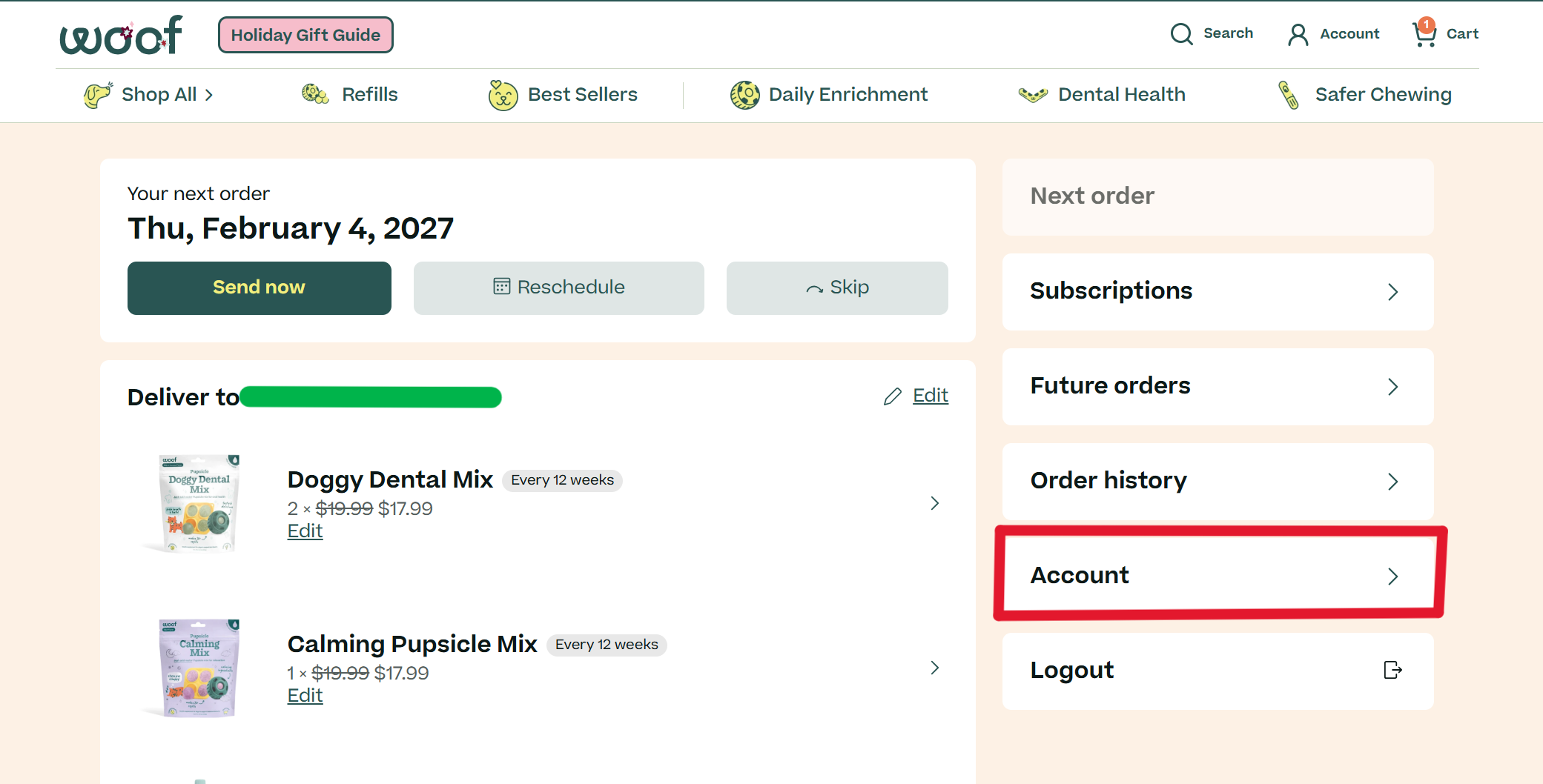
4. Click the button that says "edit your details"
5. Input your new email, and click save!